Bring two portraits
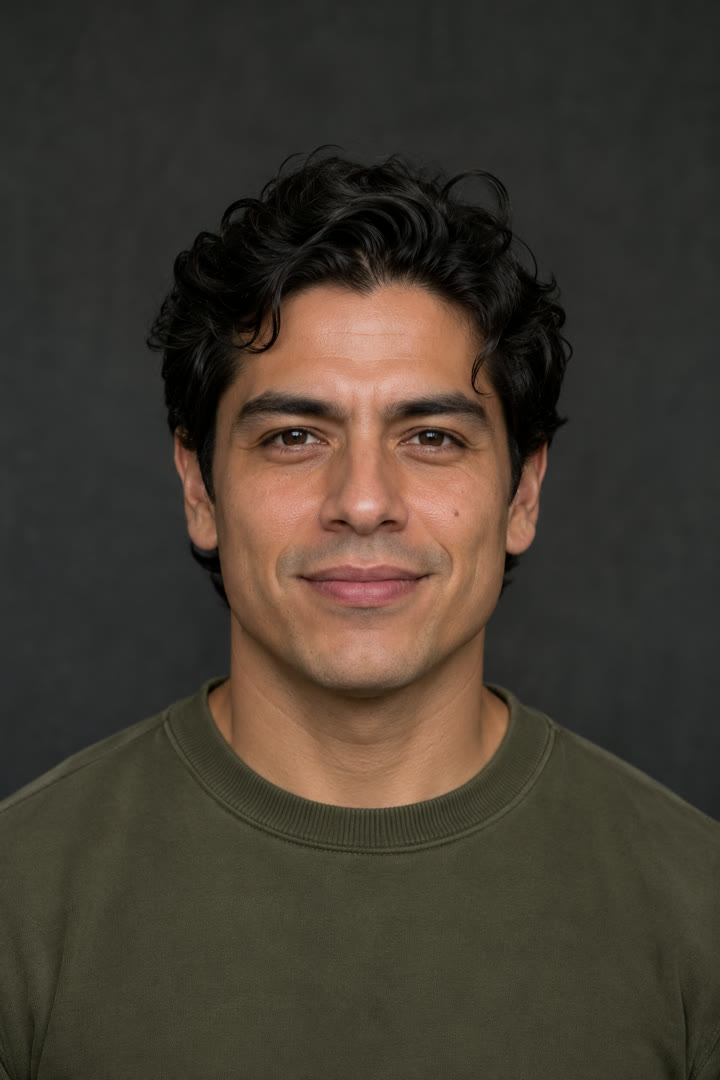
Give each side of the battle a face. Add one JPG, PNG or WebP for Rapper A and another for Rapper B, up to 10 MB each.
Make a two-person rap battle storyboard or try the Seedance demo.
THE SETUP, SIMPLIFIED
Try the rhythm of a rap battle before you film anything. Start with your own portraits or use the demo pair.
Give each side of the battle a face. Add one JPG, PNG or WebP for Rapper A and another for Rapper B, up to 10 MB each.
Preview Kitchen Roast or Studio Battle. Hear one rapper open and the other reply before you choose the track for your storyboard.
Combine your still portraits with the selected sample audio. The browser creates a downloadable storyboard and keeps your selected photos on your device.
Play the saved 12-second Seedance trial to see a moving duo. The demo uses its own reference image and original model audio.
The Studio currently exports still-photo storyboards. Animated performances from your uploads and custom-topic audio are not available yet.
Choose a photo for each rapper or try the demo pair.
Choose a sample track and hear Rapper A open and Rapper B reply.
Make a short video that cuts between the photos over the same audio.
Your photos stay in your browser.
MADE FOR TWO
A friendly rivalry, a skit idea or a reference for your next shoot: use the preview to work out who is on each side and how the exchange feels.
FRIENDS & FRIENDLY RIVALS
Pair your portraits with Kitchen Roast for a playful face-off. Export the still-photo storyboard as a conversation starter for the group chat.
Try the duo setup →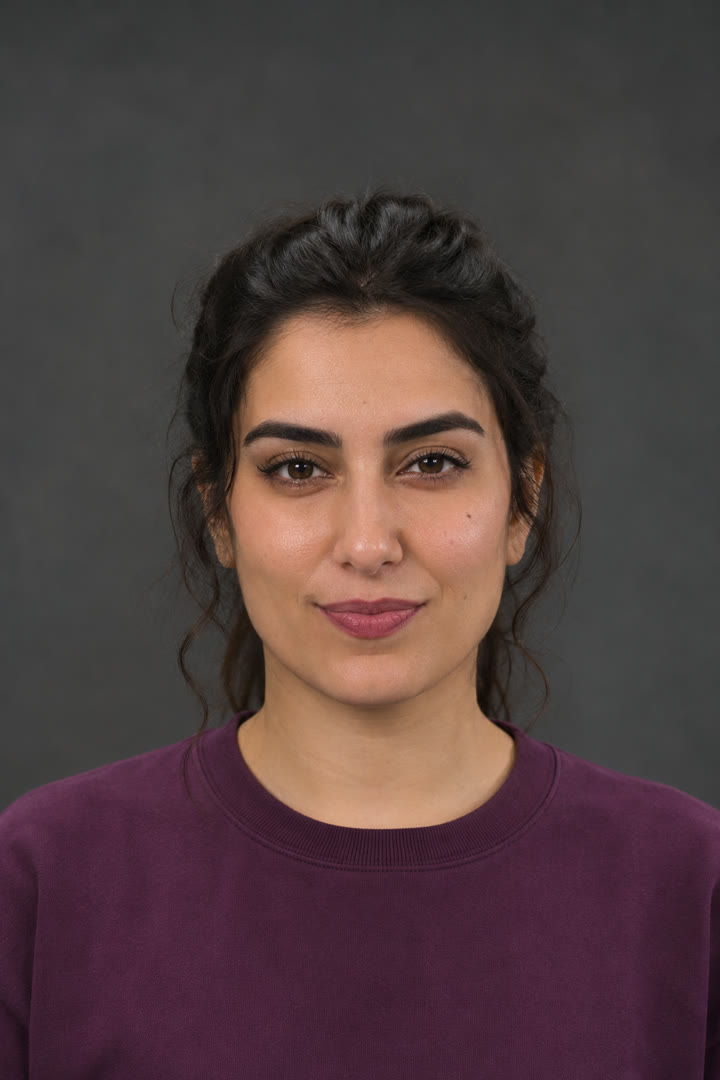
CONTENT CREATORS
Use Studio Battle to hear the back-and-forth pacing. Swap the portraits to compare a cast pairing before filming a social video.
Build a first cut →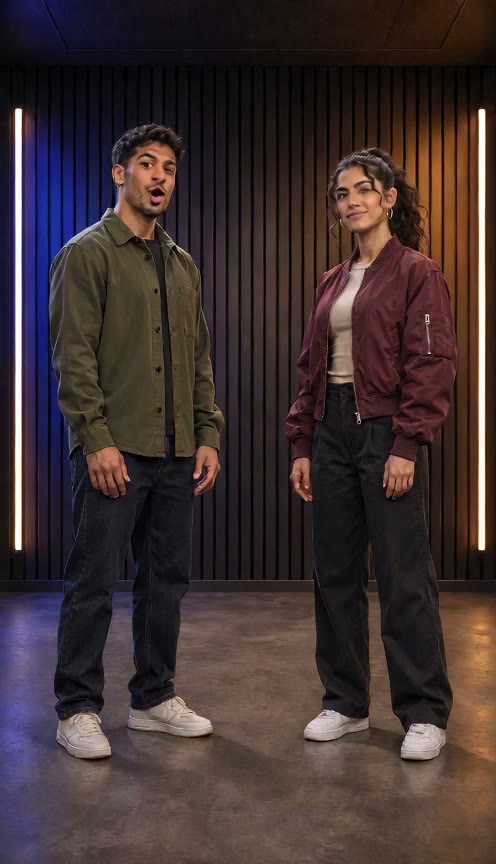
VIDEO MAKERS & VISUAL PLANNERS
Watch the saved Seedance sample for a two-person performance reference, then use the separate storyboard tool to plan a photo-and-audio sequence. The saved sample does not change when you upload new portraits.
Watch the Seedance sample →You can make a browser-based storyboard from two still portraits and one of the built-in sample tracks. The exported storyboard switches between the portraits; it does not animate faces or create lip-sync.
Yes. The topic field accepts custom text, but custom lyrics and audio are not generated yet. Choose Kitchen Roast or Studio Battle to preview the available sample audio.
No. It is a saved trial video with its original model audio. Use the Studio export to make a separate storyboard from your selected portraits and sample track.
The browser composes the photos and sample audio locally. Your selected portraits stay in the current page session; export requires a supported browser and keeping the tab visible.
You can download the storyboard exported by your browser. The Seedance trial sample also has its own download control in the demo flow.
YOUR NEXT SESSION
Try the Studio without signing in, or create an account to set up your profile.