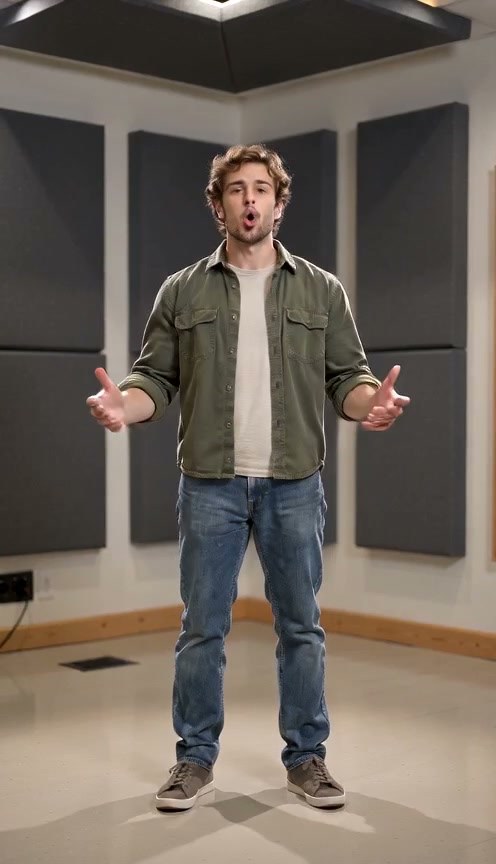
 RECORDING STUDIO · SOLO SAMPLE
Find your studio flow
A solo rap performance in the recording studio
 AiRapVideoMK
YOUR PHOTO YOUR VERSE YOUR STAGE
One portrait, Your topic, A solo rap video in your chosen scene
SOLO RAP SAMPLE
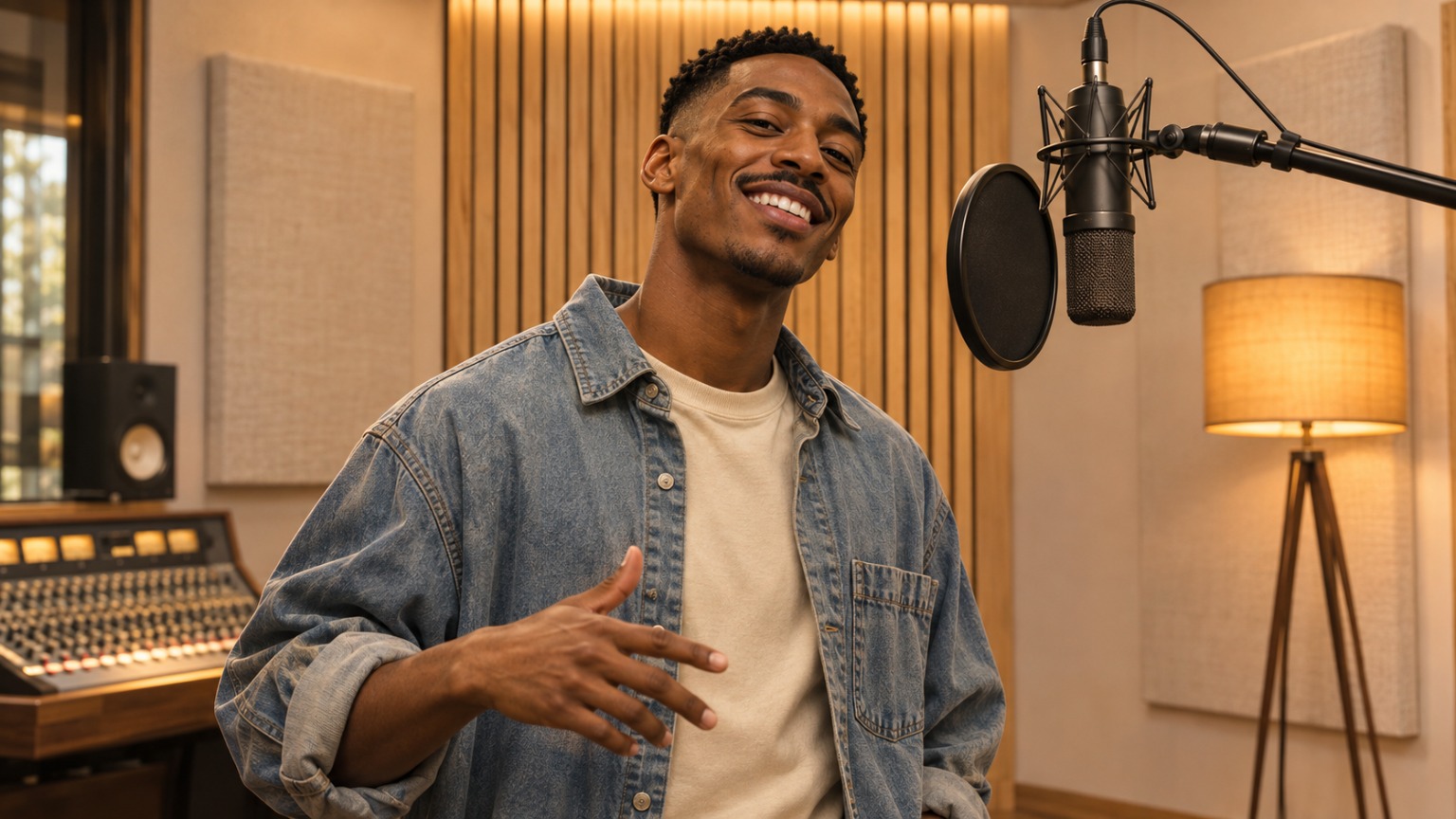
Saved sampleThis is a saved sample, not a result from your photo.
Original AI rap vocals and music.
Suggested topic Proving my doubters wrong
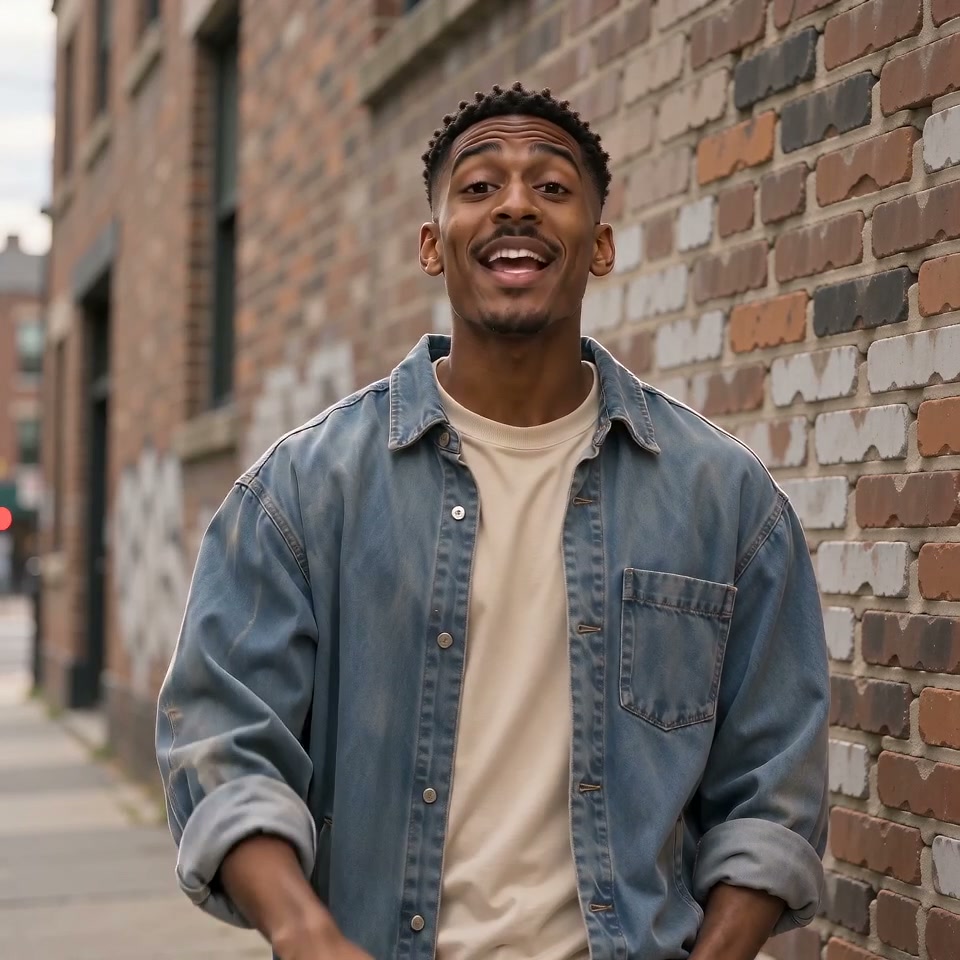
This fictional portrait was the reference for the Street Freestyle sample above.
Watch solo rap samples and explore a two-person battle.
SOLO SAMPLEWatch the solo performance
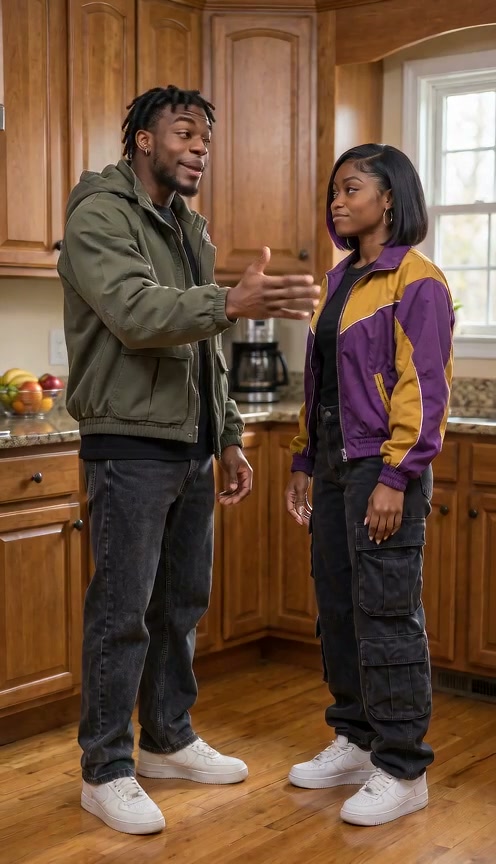 BATTLE SAMPLE
Explore the Kitchen Roast battle
RECORDING STUDIO · SOLO SAMPLEA solo rap performance in the recording studio
How to generate a solo rap video
Use a JPG, PNG or WebP with one clearly visible adult. A selected photo is prepared locally; choosing a file does not submit a generation. You can replace it before starting. The direction asks the model to retain the visible body coverage, without filling in an unseen lower body. Framing may vary. Use a photo you own or have permission to animate.
Enter a short idea and choose one of the seven scene tiles. For Birthday Party, add a first name and one memorable detail to the topic. For a creator introduction, explain what you make. The model uses these inputs to create the performance, and exact wording, resemblance and movement can vary.
Sign in with a verified account and review the credit cost shown on Generate. The Studio checks your latest balance before uploading. Follow the video generation status, then play the completed output beside the form and download it. Returning from Pricing never starts a generation automatically.
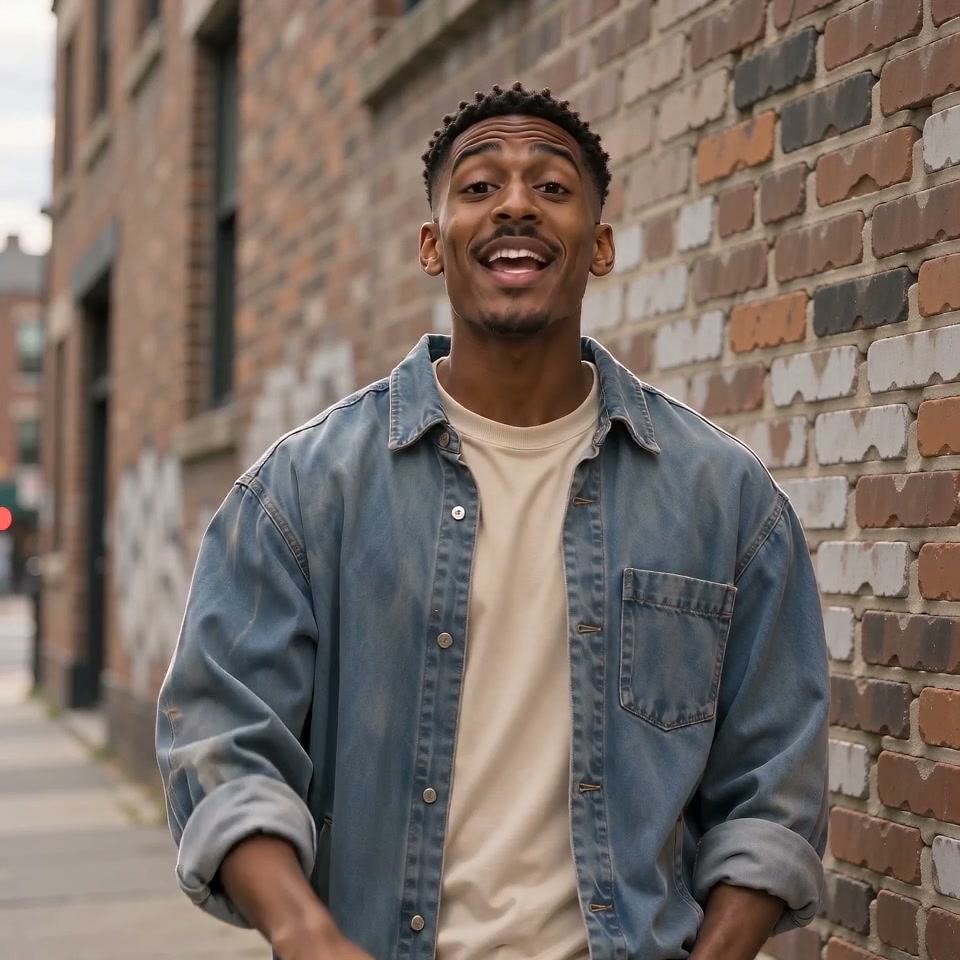
ONE FACE. YOUR VERSE.
Use an AI rap generator to create a personal performance from a portrait, a topic and a scene.
Start with a clear portrait of yourself or a fictional adult character. Solo Rap is designed around one person taking the whole verse, rather than sharing a frame or trading lines with a second rapper. Choose a face that is easy to see, with even lighting and no heavy filter. Your photo also guides the framing: use a half-body portrait for upper-body delivery or a complete full-body photo for movement with small steps.
Describe what the performance should be about in a short topic. A birthday, a coffee habit, a small victory or an introduction to your creative project can give the rap a clear direction. Add one useful detail instead of a long script. The topic guides original lyrics; it is not a request to recite your text word for word.
Choose a recording studio, a night street, a birthday party, a rooftop, a neon stage, a spotlight or a kitchen. Try Night Street Freestyle for a verse about the last train home, or Rooftop Night for a story with a city skyline behind you. The selected template guides the background. Changing it keeps your topic and portrait in place.
Your portrait goes directly to the video model as a character reference. The model creates the selected background, rap vocals, beat and movement together, without a separate scene-image generation step. The rap voice is generated for the clip without cloning a real person’s voice. The target is a 12-second video at your selected 480p or 720p resolution in your selected aspect ratio. There is no separate final-song audition: the voice and delivery are created with the picture.
FIND YOUR SUBJECT
Give one person the spotlight with a topic about their birthday and an everyday habit. A brief, affectionate detail makes a more focused starting point than a list of life events. Review names and wording in the finished audio before sharing your message.
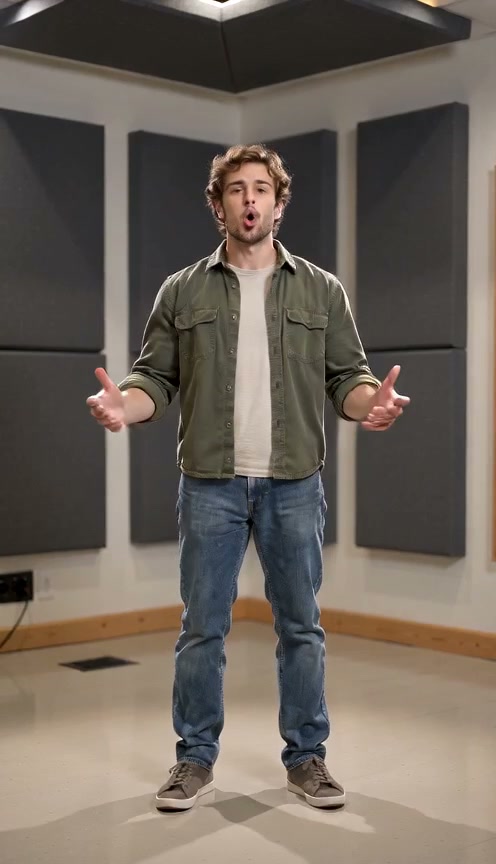
Use your portrait and a topic about your channel, hobby or next project. The recording studio setting provides a direct performance context. Treat the result as a short creative clip, and check the generated words before using it to describe your work or brand.
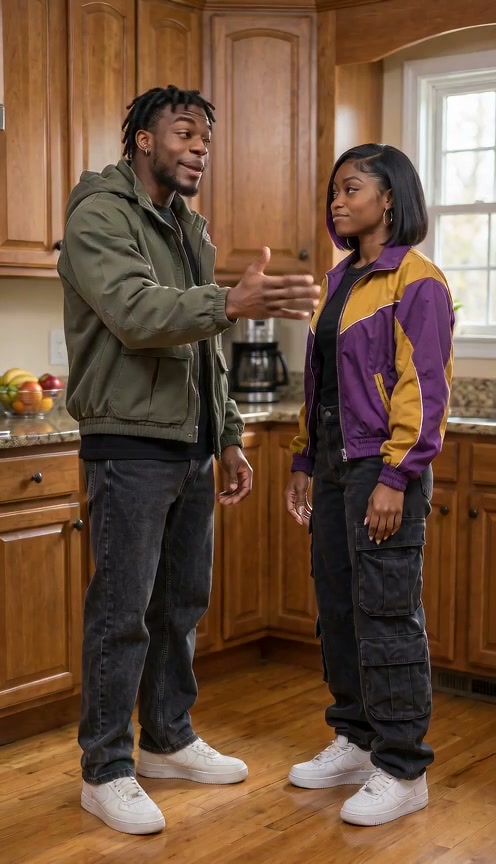
Turn a breakfast win, a coffee obsession or a cooking mishap into a solo topic. Kitchen supplies the setting; it does not require a second character. If your idea needs a challenger and a comeback, use the separate Rap Battle generator instead.
The generation direction asks the model to keep approximately the framing visible in your photo. Cropped portraits use facial expressions, shoulder movement and gestures within the crop, without requesting unseen legs or shoes. A full-body reference allows full-body movement and small steps. Choose 9:16, 16:9, 1:1 or 3:4 independently of the body framing. Model interpretation can vary.
Yes. Add one portrait, enter a topic and choose a scene. The model creates a solo performance with original English rap vocals and a beat, targeting 12 seconds at your selected 480p or 720p resolution in your selected aspect ratio. Review your generated video beside the form, then download it.
This mode takes a topic. The video model writes and performs its own short verse with an original beat. It does not accept an uploaded song or a separate lyrics script, and a photo does not supply or clone your recorded voice.
No. It is a saved street rap sample made directly from one portrait, with its original AI-generated vocals and music. Choose Play sample or Sound on to hear it. Editing your inputs does not change this sample. When your own generation completes, your video replaces the sample in this area.
Solo gives one performer the full clip. A battle uses two separate portraits and a rivalry topic, with an opening verse and a reply in a shared scene. The Battle page has its own input form, sample and timing guidance.
The Studio checks your current balance before uploads and submission. It saves an expiring draft scoped to your account and browser tab, then shows purchase options. If you open Pricing, you can return to your saved inputs. Review them and click Generate when you are ready. A payment never triggers a video by itself.
The video model writes and performs the lyrics as part of the clip. For a text-only draft, use the free rap lyrics generator.
Creating an account is free. Video generation uses credits, with different costs for 480p and 720p. Check the current cost on the Generate button. If your balance is too low, the Studio shows purchase options and you can open Pricing. Opening an offer or Pricing does not use credits.
YOUR NEXT VERSE STARTS HERE
Create your solo performance, or bring a challenger to the dedicated Battle Studio.
Bring two portraits and a rivalry topic to the dedicated Battle Studio. Watch the actual kitchen trial with its original generated soundtrack, then explore the two-person workflow.